OptinMonster is a powerful lead generation tool that helps businesses convert visitors into subscribers and customers.
Service URL: optinmonster.com (opens in a new window)
_omappvs
Cookie is used to identify returning visitors
1 day
_omappvp
Cookie is used to identify returning visitors
1 day
om-success-{id} / omSuccess-{id}
Used to determine if a visitor has successfully opted in to a campaign with the ID of {id} on your site
365 days
omSeen-{id}
Used to determine if a visitor has been shown a campaign by the slug. No expiration date
30 days
om-{id}
used to determine if a visitor has interacted with a campaign ID of {id} on your site.
30 days
om-interaction-cookie / omGlobalInteractionCookie
Used to determine if a visitor has interacted with any campaign on your site.
Session
om-global-cookie / omGlobalSuccessCookie
Used to prevent any future OptinMonster campaigns from showing on your site.
Session
_omra
Used to store interaction and conversion data for campaigns in conjunction with Revenue Attribution
1 year
omCountdown-{id}-{elementId}
Used for countdown elements {elementId} in campaigns {id} to determine when it should complete
Session
om-{id}-closed / omSlideClosed-{id}
Used specifically with slide-in campaigns {id} to determine if it has been closed or not by a visitor.
30 days
om-success-cookie / omSuccessCookie
used to determine if a visitor has successfully opted in to any campaign on your site to unlock content when using the Content Locking feature.
365 days






Hey William,
Great post about starting a lead program using WPforms.
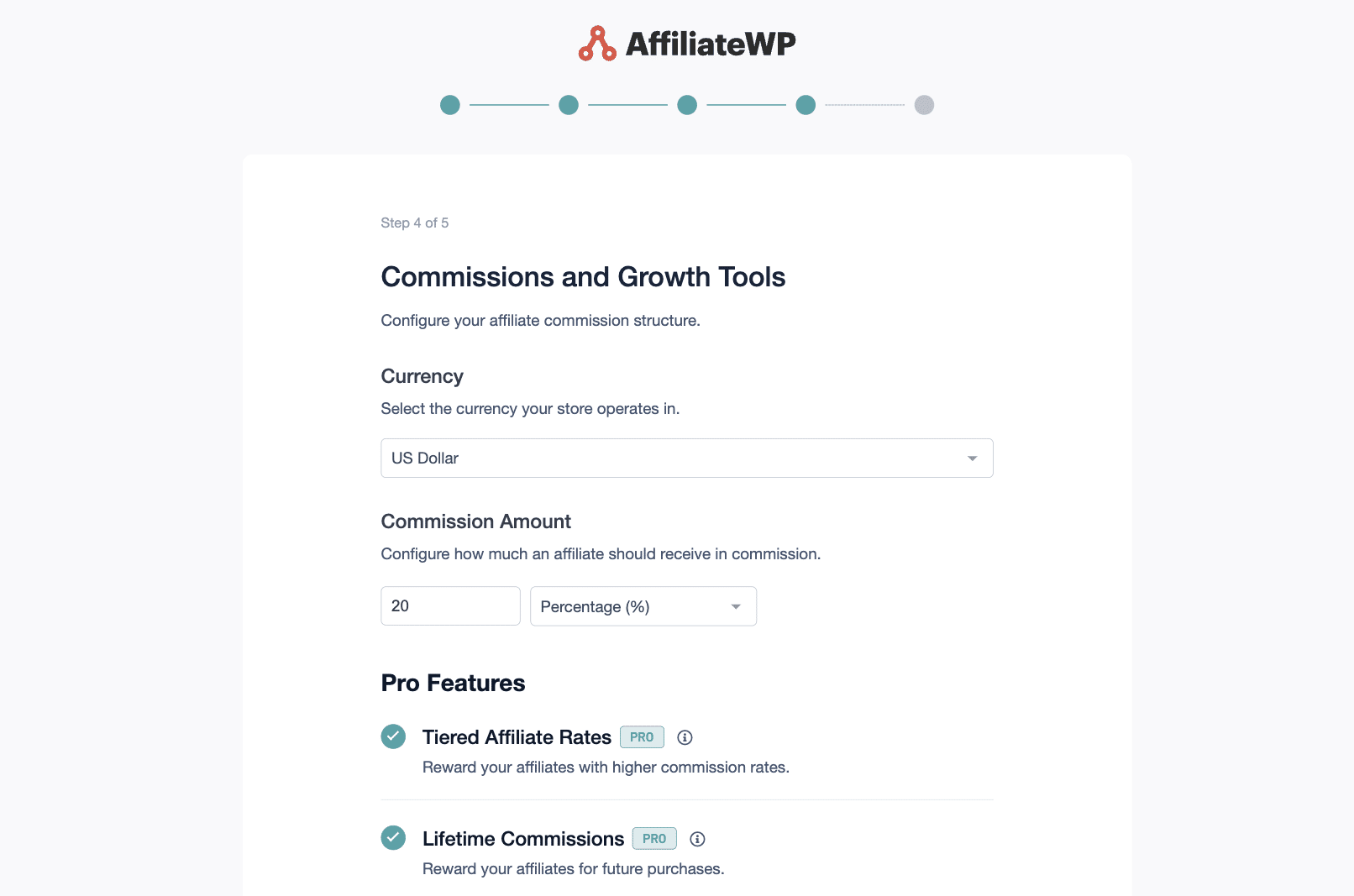
Just one question, where do you set the lead commission rate in AffiliateWP?
I tried under the opt-in settings but that doesn’t seem right..
Cheers,
Reno
Hi Reno,
Thanks for your comment!
You can set the rate in your global AffiliateWP commission settings.
Go to Affiliates > Settings > Referral Rate.
Many thanks,
Will
Can an affiliate link to my lead magnet page but still only get paid if there is a sale that results from that within the cookie time frame?
Hi Peter,
If the conversion happens online through a plugin like WooCommerce or Easy Digital Downloads then you could integrate those plugins as well to track the sale. Alternatively, you could set up the Force Pending Referrals addon which means all leads would be marked as pending. You could then approve the lead once you’ve converted it and the affiliate would then be entitled to the commission.
Hope this helps,
Will
I can set the data from the form to display as a product on a product table and then sell the product. however is there a way to custom code a delay the affiliate compensation so that the affiliate doesn’t get paid when the form is submitted but they’ll get paid when the product table item is sold? Somehow, can you all give an option to allow the affiliate ID to follow the data from the form?
Hey Kay – Currently, we do not have a feature in the plugin to conditionally delay the payment. I do agree it would be super helpful, and I’ll get this added into our feature request tracker so that it’s on the radar of our developers.
Having said that, it should be possible to make the changes using custom code, however, I apologize as we aren’t able to provide support for this degree of customization.
In case you’d like to look into custom development options, we highly recommend using Seahawk. Seahawk is a full-service WordPress development agency providing services to clients worldwide.
You can book a free consultation with their team here.
In case you’d like to check other custom development options, please go through the following guide.
Where will the payout for the lead show up inside the affiliate’s dashboard when a lead is generated using GravityForms?
Hey Brian – There are two places where affiliates can view information related to leads and commissions in their dashboard:
Referrals tab: Every time a lead is generated through your Gravity Form, a new row appears here showing the form title as the description, the commission amount earned, and the referral status. This is the per-lead record.
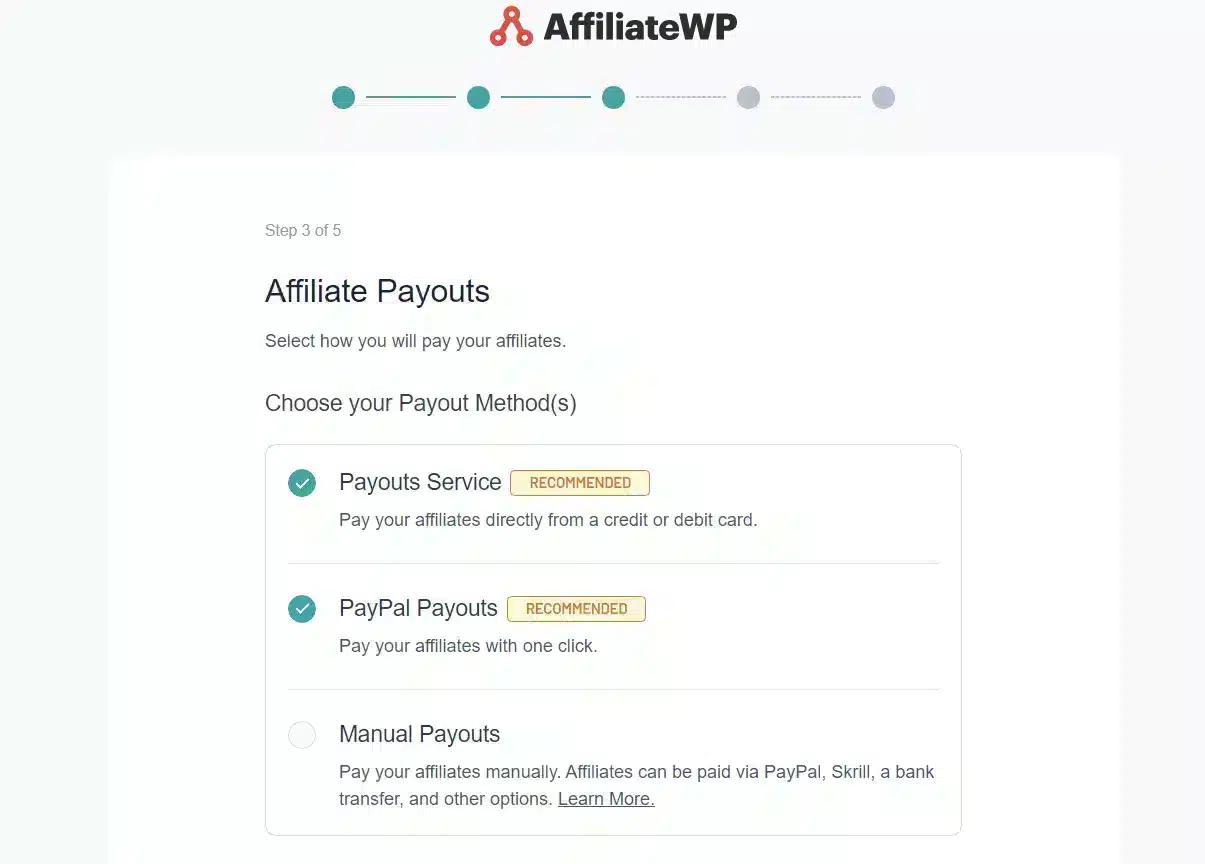
Payouts tab: Once you pay your affiliate, the actual payout shows up in the Payouts menu with the total amount, payout method, and date.