





Would you like to welcome members with a gift the moment they reach a new VIP tier? Entry rewards are one-time gifts, such as a discount coupon or a bundle of bonus points, that RewardsWP issues automatically when a member is promoted.
In this guide, we’ll walk you through adding entry rewards to a tier and when members receive them. All you need is a Pro license level and a VIP tier.
Requirements: The VIP Program requires a Pro license level and an active WooCommerce or Easy Digital Downloads store.
Before you get started, make sure RewardsWP is installed and activated on your WordPress site, and that you’ve created a VIP tier.
Adding an Entry Reward
To get started, we’ll open the tier you want to reward and add a gift to it.
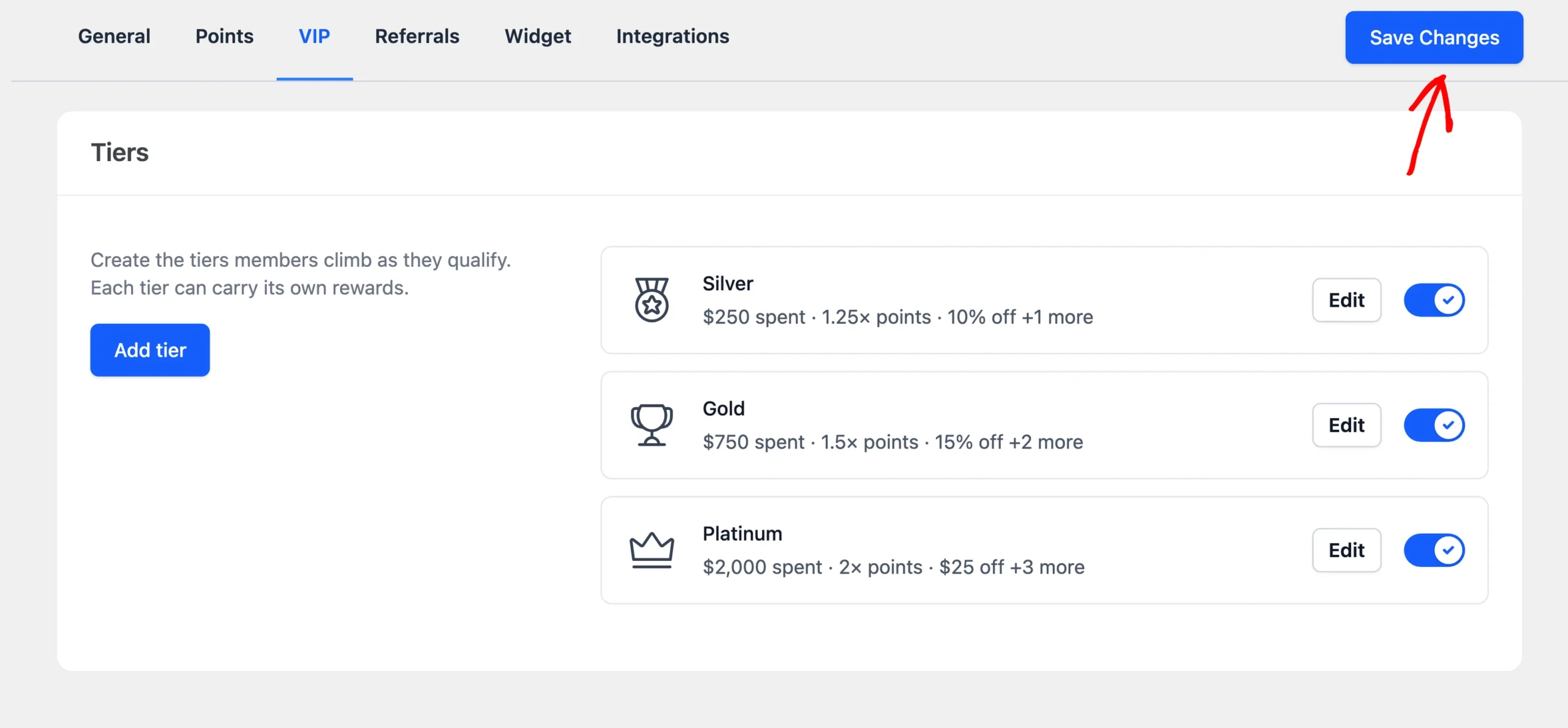
From your WordPress admin sidebar, go to RewardsWP » Settings and click the VIP tab. Then click Edit on a tier.

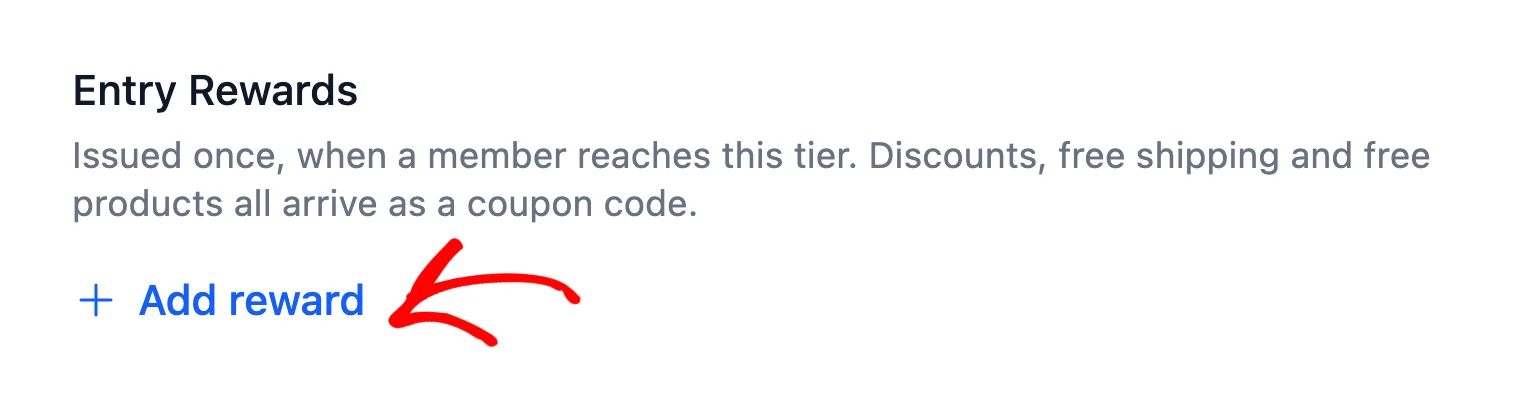
In the Benefits part of the drawer, find Entry Rewards and click Add reward.
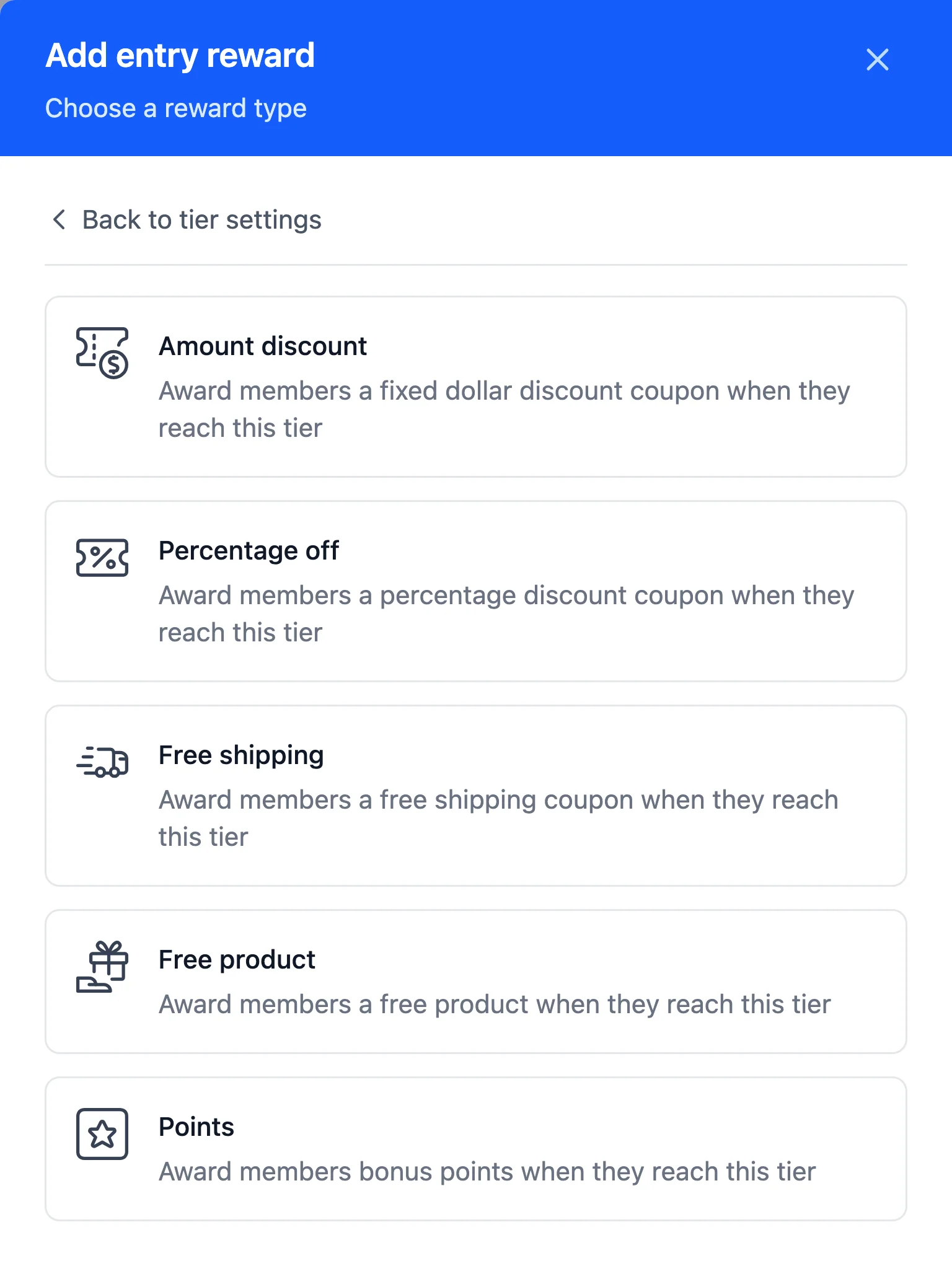
In the list that opens, choose the type of reward you want to give. You can offer:
- Amount discount: a set amount off, such as $10.
- Percentage off: a percentage off, such as 15%.
- Free shipping: free shipping on an order. This type is only available with WooCommerce.
- Free product: a product of your choice at no cost.
- Points: bonus points added straight to the member’s balance.
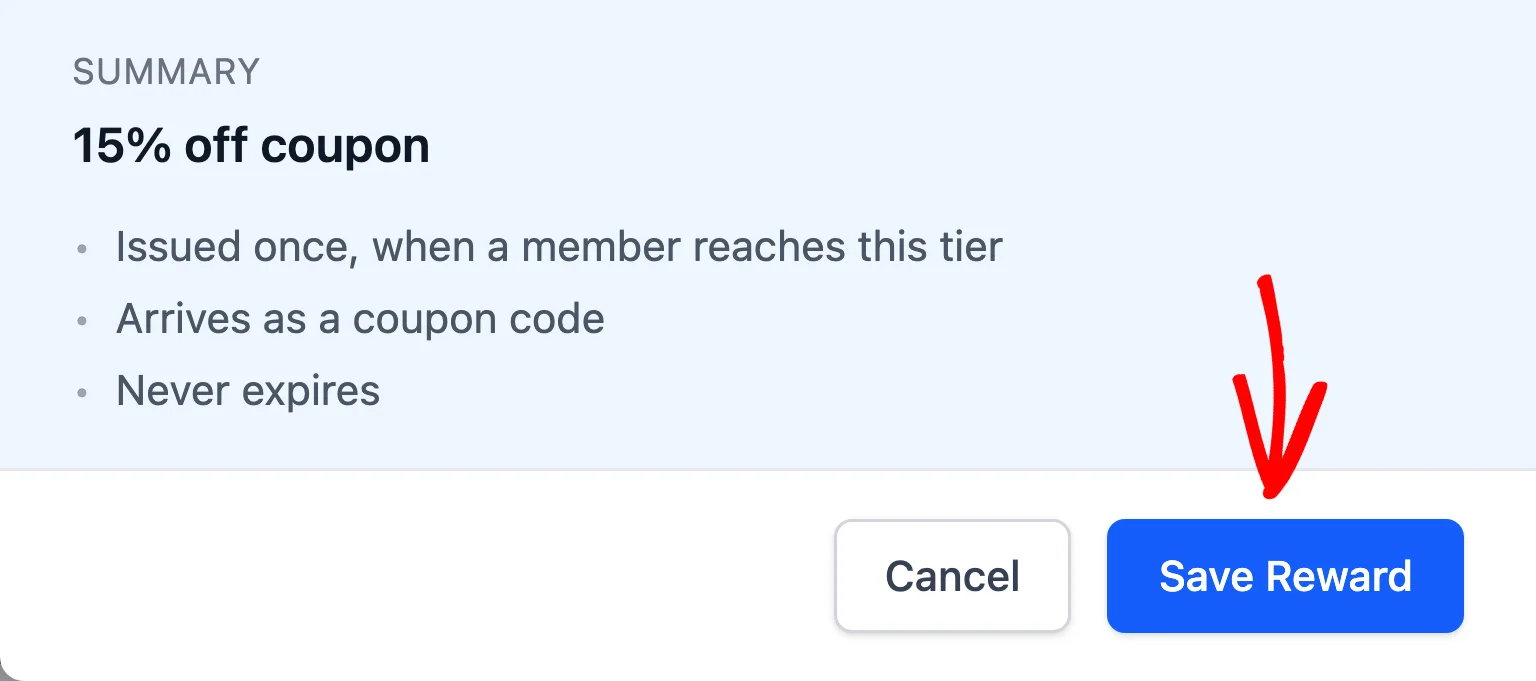
After you fill in the reward’s settings, which we cover below, click Save Reward at the bottom of the drawer.
A tier can carry several entry rewards. To add another, click Add reward again.
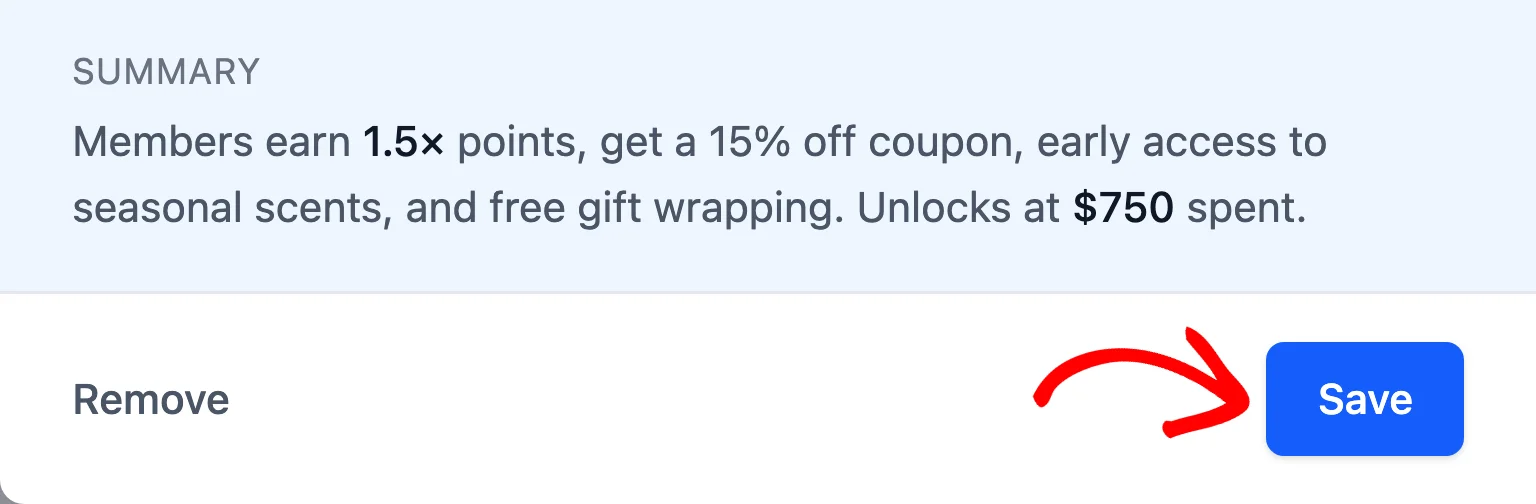
When the tier’s rewards look right, click Save at the bottom of the drawer.
After that, click Save Changes in the bar with the settings tabs.
Your tier’s entry rewards are now saved. Next, we’ll cover the settings for each reward type.
Configuring Each Reward Type
Each reward type has its own settings, which appear in the drawer once you pick the type.
Discount Rewards
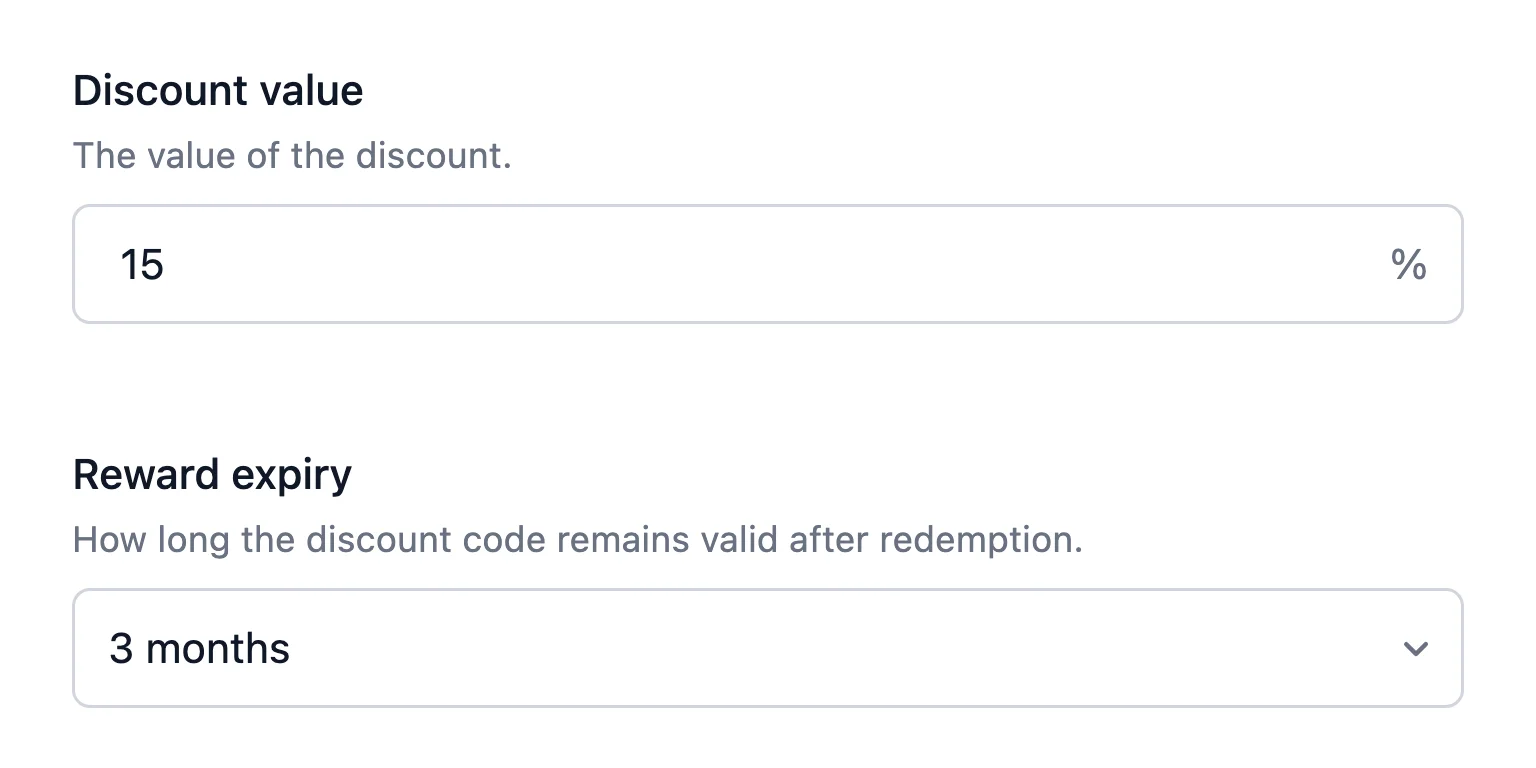
For a fixed or percentage discount, enter the amount in Discount value. A percentage discount can’t be more than 100.
Next, in Reward expiry, choose how long the coupon stays valid: 30 days, 3 months, 6 months, 1 year, or never. A shorter window gives members a reason to come back and use their gift soon after they’re promoted.
Free Shipping Rewards
Free shipping needs no amount. In Reward expiry, choose how long the coupon stays valid.
Free Product Rewards
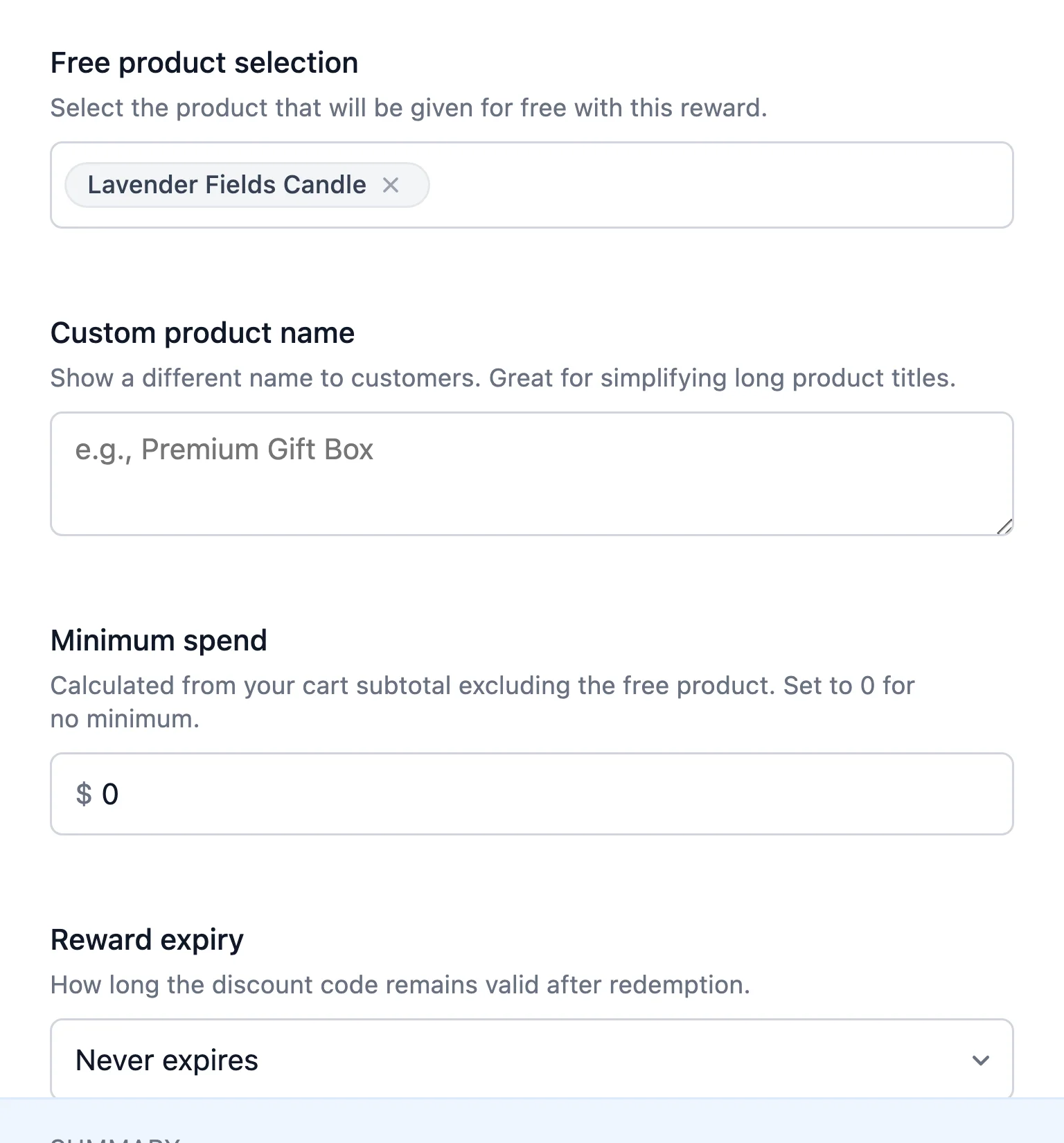
In Free product selection, search for and pick the product to give. If the product’s title is long, enter a shorter one in Custom product name, which is the name members see.
In Minimum spend, set how much the member needs in their cart, not counting the free product, before the reward applies. For no minimum, enter 0. Then set the Reward expiry.
Points Rewards
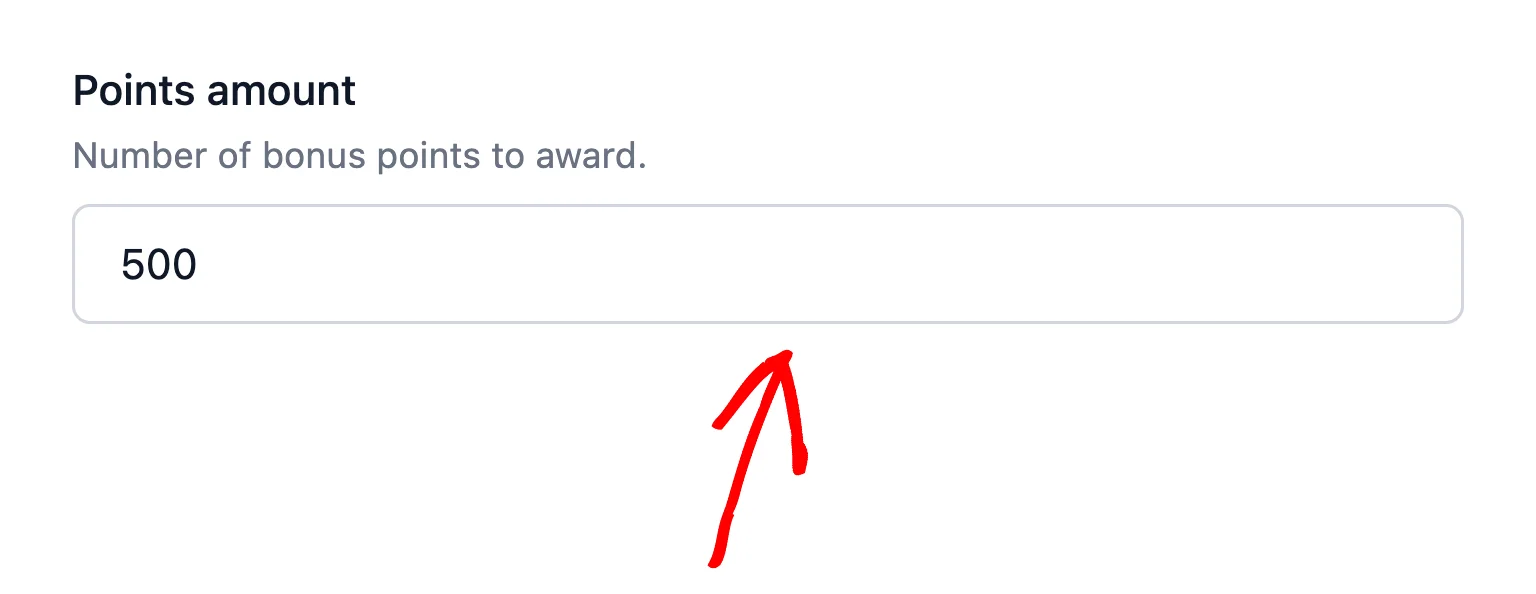
In Points amount, enter the number of bonus points to award. Points entry rewards go into the member’s balance as approved points right away. The tier’s points multiplier doesn’t boost them.
With your rewards set up, RewardsWP takes care of issuing them.
When Are Entry Rewards Issued?
RewardsWP issues a tier’s entry rewards when a member’s own activity promotes them into that tier. That activity can be placing an order, earning points, or completing a referral.
Discounts, free shipping, and free products arrive as a coupon code in the member’s rewards. The Tier Reached email names the gift. The Rewards Widget also tells the member it’s already in their rewards.
Entry rewards follow two rules:
- Once per tier, ever. If a member drops out of a tier and climbs back into it, they don’t receive that tier’s entry rewards a second time. This keeps members from collecting the same gift repeatedly.
- Only for real promotions. When RewardsWP places members after you save your settings, such as when you first add tiers or change a threshold, it issues no entry rewards. The daily tier check doesn’t issue them either.
That’s it! Members now get a welcome gift when they reach a new tier. Next, to list the rest of what each tier offers, read Adding VIP Tier Perks.
FAQ
Below, we’ve answered some of the most common questions about VIP entry rewards.
Why don’t I see the free shipping option?
Free shipping entry rewards are only available with WooCommerce. With Easy Digital Downloads, choose one of the other reward types.
Do my members get the entry rewards of a tier they skip?
No. A member who jumps past a tier in one step, for example with a large order, is promoted straight to the highest tier they qualify for. They receive that tier’s entry rewards, not the rewards of the tiers they skipped.
If I change a tier’s entry rewards, what happens to members already in it?
Nothing changes for them. Members who already received the tier’s entry rewards keep what they were given. They don’t receive the new rewards, which apply to members who reach the tier from now on.